First admin
Create the first administrator account at /setup with the setup token, then sign in at /login.
Get the setup token
/setup accepts a request only with the setup token. The server decides the token when it starts:
| Situation at startup | Token |
|---|---|
The database has no dashboard users and CCTRACE_SETUP_TOKEN is set |
The value of CCTRACE_SETUP_TOKEN. It is not written to the log. |
The database has no dashboard users and CCTRACE_SETUP_TOKEN is empty |
A random token, printed once in the server log. A new one is generated at every start until the first admin exists. |
| The database already has a user | None. Setup is disabled. |
The generated token appears on this line:
[cctraced] initial administrator setup token: <token>

With the Docker Compose stack from Install the server, read it with:
$ docker compose --env-file deploy/.env -f deploy/docker-compose.yml logs cctraced
If the server cannot count users at startup, it logs [cctraced] setup disabled: user count failed: ... and refuses setup. Restart cctraced once the database is reachable.
Create the account
- Open the dashboard:
http://127.0.0.1:8080on the server host, or your proxy address such ashttps://cctrace.company.example. While no user exists, the dashboard sends you to/setup. -
Fill in the form:
Field Value Setup token The token from the previous section Email Your sign-in address, for example alice@example.comName Display name Password, Confirm Password At least 8 characters 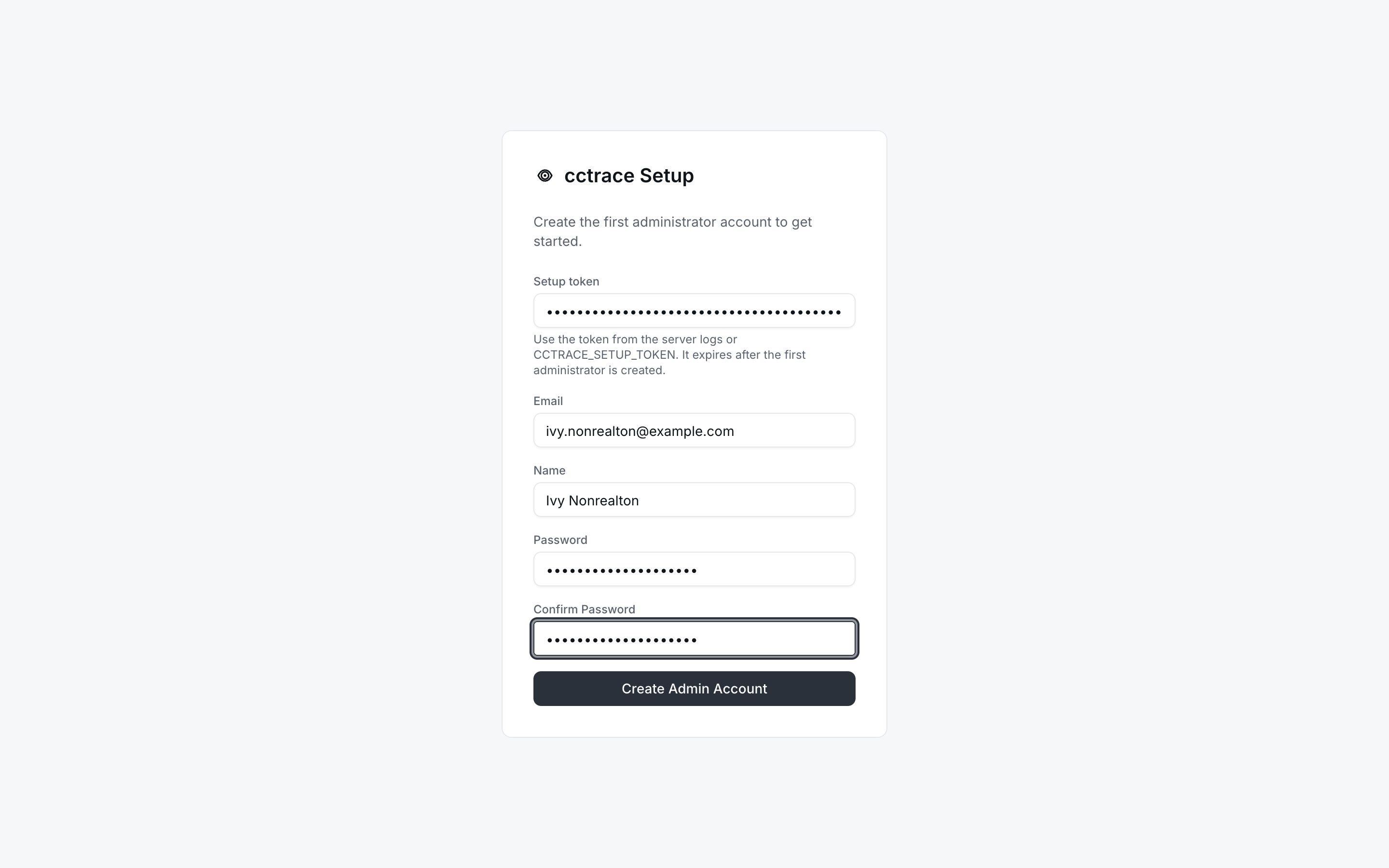
-
Select Create Admin Account. The server creates the account with the
adminrole, signs you in, and opens the dashboard.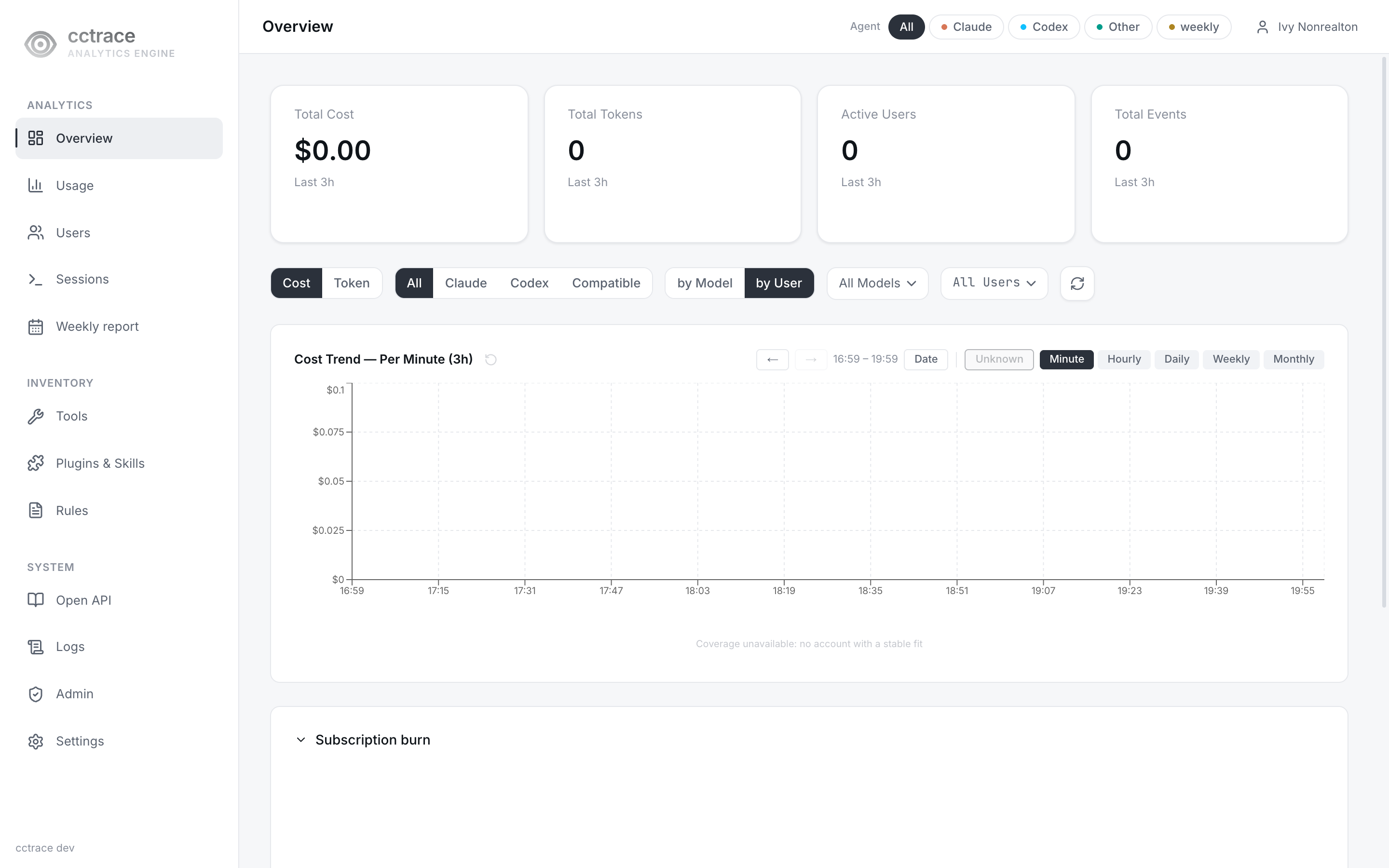
Once one user exists, /setup redirects to /login and the server answers further setup requests with setup already completed.
If setup fails
| Message | Cause |
|---|---|
Setup token is invalid or setup is disabled. ... |
The server refused the request with HTTP 403. Usually the token is wrong, or it was generated by an earlier start. Read the latest token from the log. |
setup already completed |
A user already exists. Sign in at /login. |
The page shows the token message for every HTTP 403, including a refusal by the browser-origin check. If the token is right, look for [api] CSRF rejected in the server log. The origin check compares the page's origin with the Host the server receives; a proxy that rewrites Host triggers it. See CCTRACE_ALLOWED_ORIGINS in Configuration.
Sign in
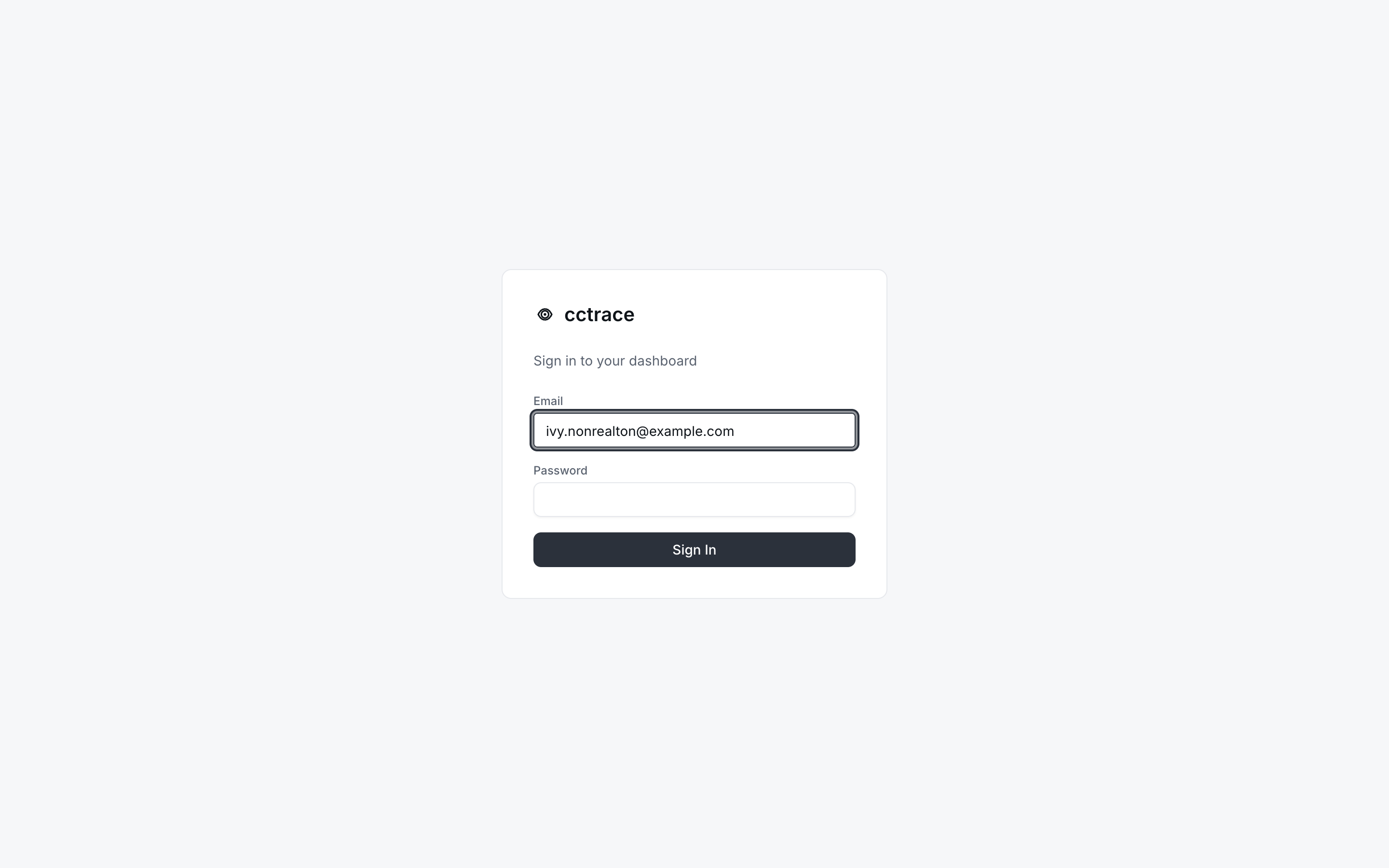
Go to /login, enter your email and password, and select Sign In.
| Message | Cause |
|---|---|
invalid credentials |
Unknown email or wrong password |
account is disabled |
An administrator deactivated the account. See Users. |
Signing in sets a 15-minute access cookie and a 7-day refresh cookie. The dashboard renews the access cookie with the refresh cookie; the refresh cookie itself is not renewed, so you sign in again 7 days after the last sign-in.
Next
The account created at /setup has no team and no cctrace user ID, so it cannot pass cctrace init as it is. To send data from your own machine as this account, open its row menu on Users > Management, select Edit, and fill in Team and cctrace User ID. You can also add a separate account for yourself the same way as for anyone else: Users.